Home | Designer | UI
Configuration panel UI
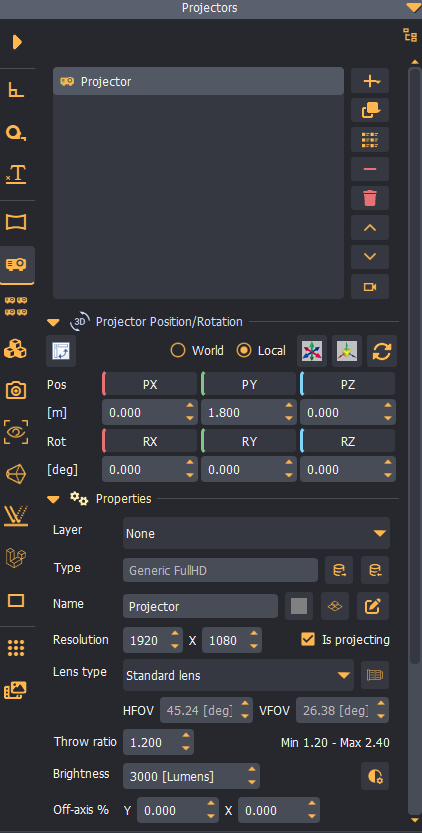
The configuration panel is a main UI element for creating, deleting, and modifying the properties of each scene element.
Scene element configuration
Press the Element button on the left side of the panel to open the configuration UI for the corresponding element.
Additional configuration UI
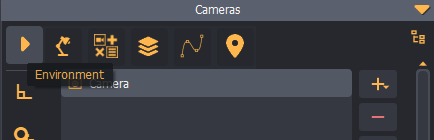
Press the Sub-menu button at the top of the panel to open a sub-menu for selecting additional configuration panels (Environment, Analysis, etc.).
3D Scene elements tree
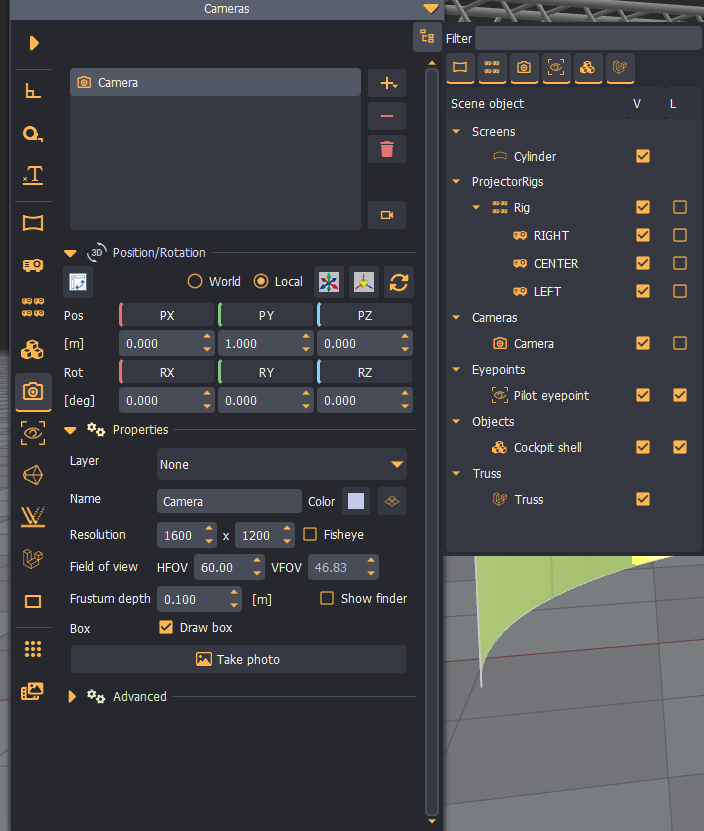
Press the Scene tree button at the top of the panel to open a separate view showing all elements in the scene.
An element can be selected by double-clicking it in the tree. Additionally, an element can be shown or hidden, and its labels can be made visible in the 3D scene.
The tree view can be filtered by object type or object name.