Home | Designer | Reference planes
Reference planes
Reference planes are useful visual guidance tools for aligning the projection setup components using real-world dimensions.
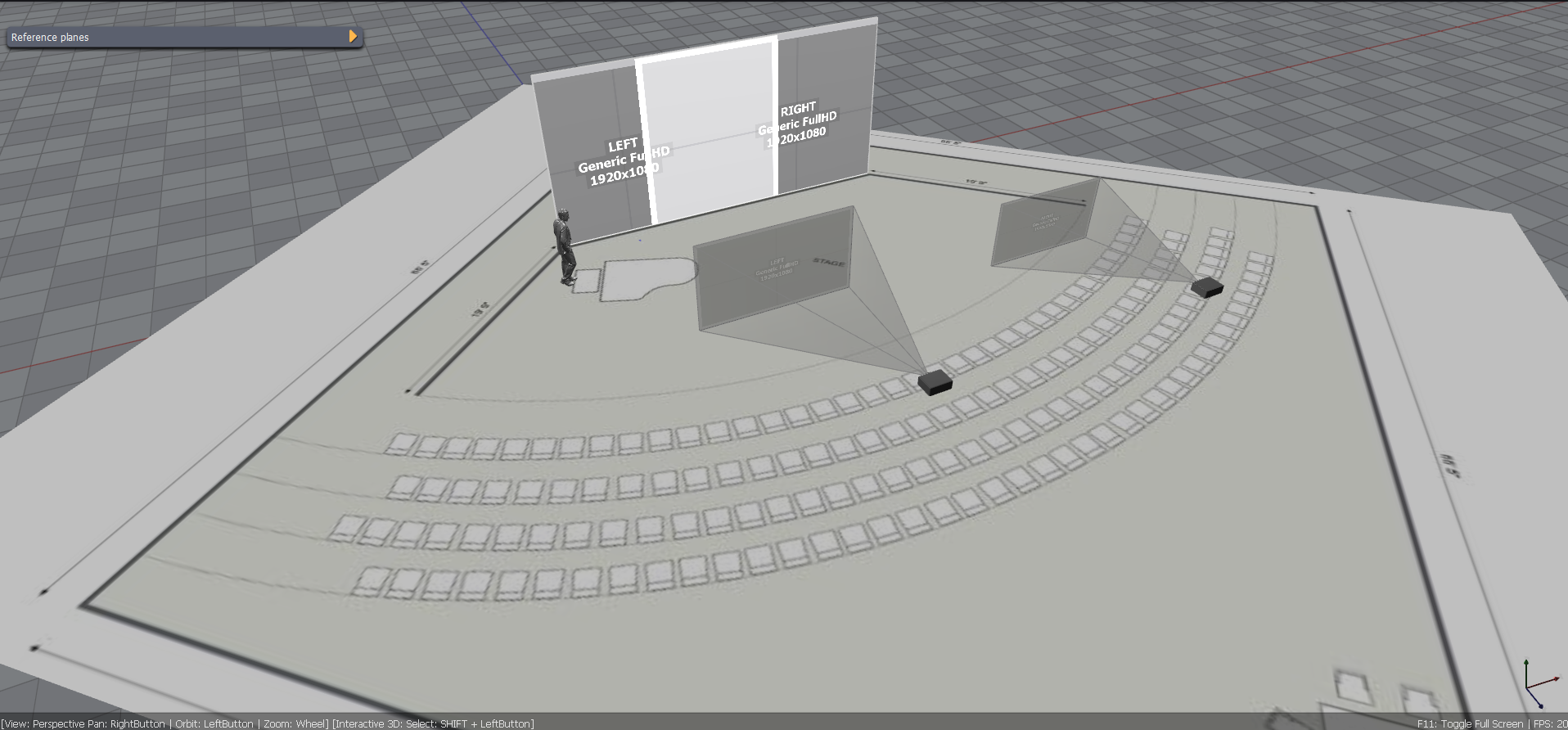
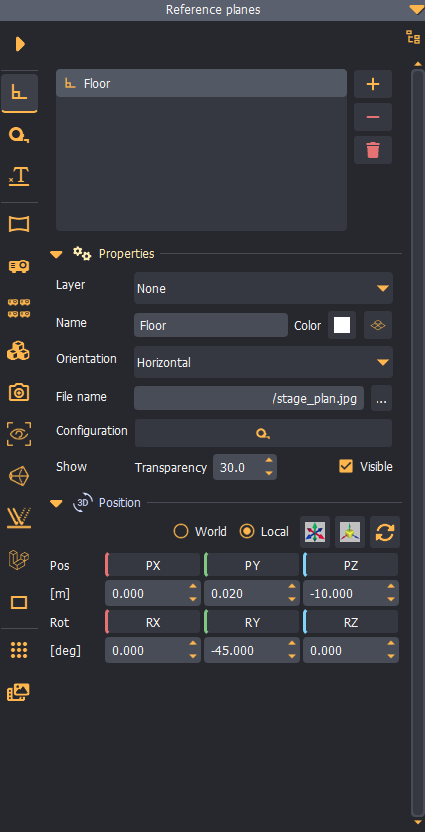
Reference planes can be positioned anywhere in the scene using the 3D manipulation controls.
Horizontal and vertical planes
Reference planes contain 2D drawings or plans calibrated to real-world scale. Planes can be positioned horizontally or vertically to represent real scene floors or walls.
Configuration
The size of each reference plane can be calibrated using two control points positioned on two known points in the 2D drawing, and specifying the actual distance between the two points.
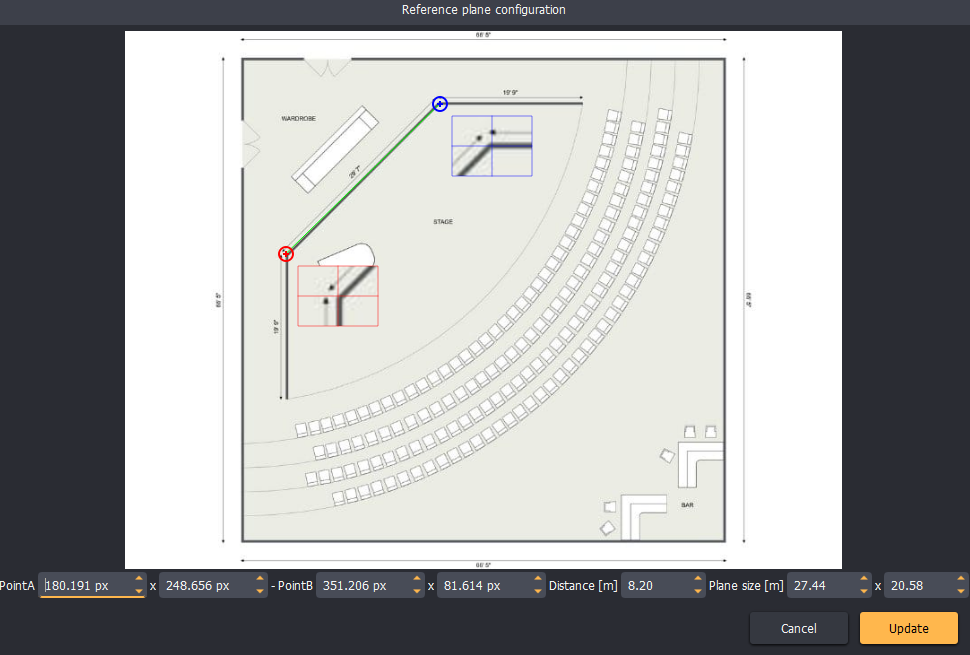
The software will automatically calculate the real-world size of the plane.
Typical reference plane workflow
- Create a new reference plane.
- Load a 2D drawing image.
- Use the calibration dialog to calibrate the plane dimensions.
- Position the plane in the scene.
- Start adding other scene objects (projectors, screens, cameras, etc.)
- Align the scene objects to the reference plane drawing.