Home | Designer | PDF report generator
PDF report generator
The report editor transforms the projection setup into a professional document with configurable pages, projector and scene installation images, analysis, custom text and color scheme branding.
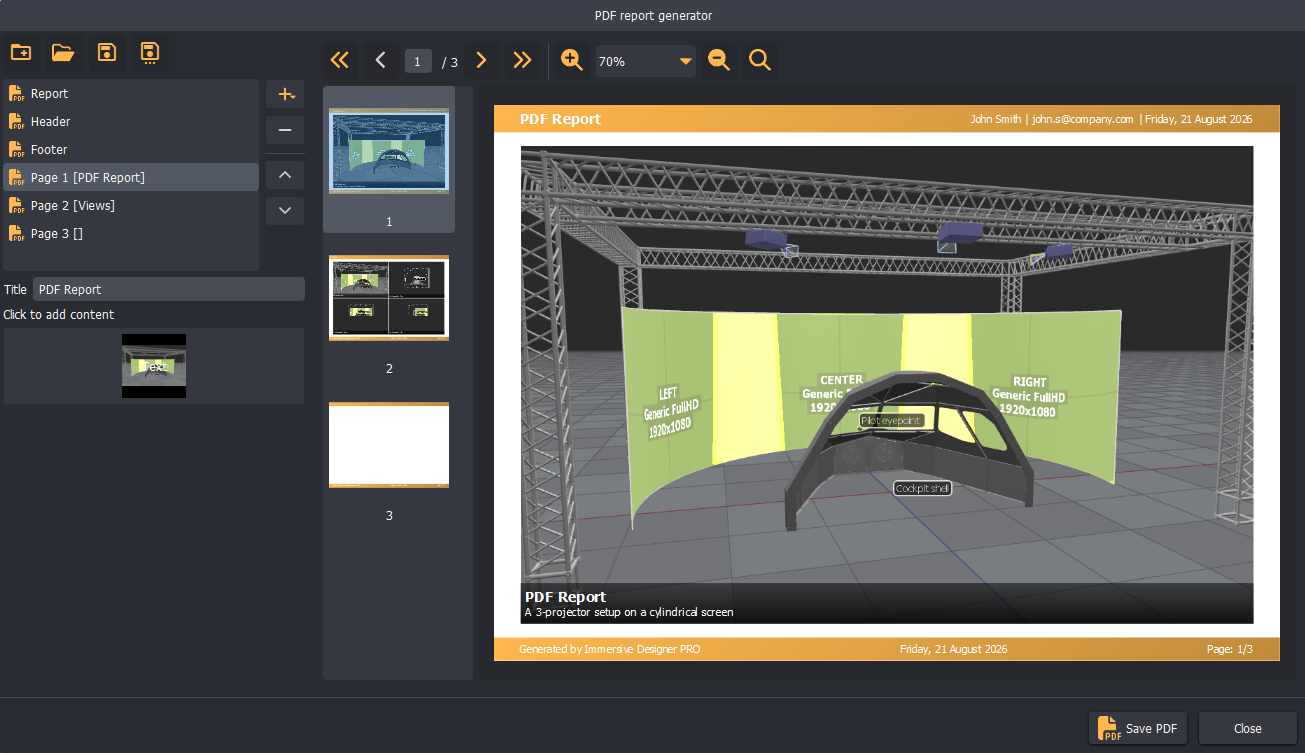
PDF reports are saved in separate files.
Branding & Style
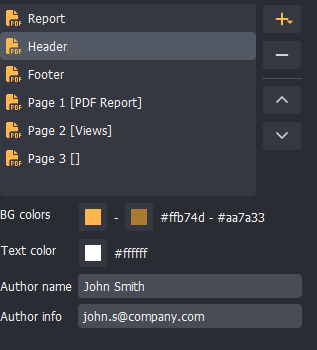
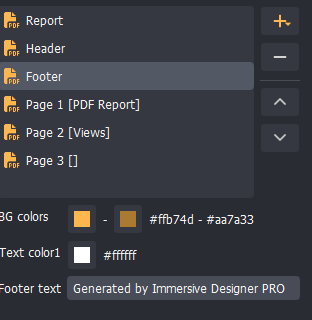
The report header style and content can be customized to match the customer's style. Gradient colors can be used to define the color scheme of the header and footer.
Header definition
Footer definition
Pages
Each page of the report can have a different layout.
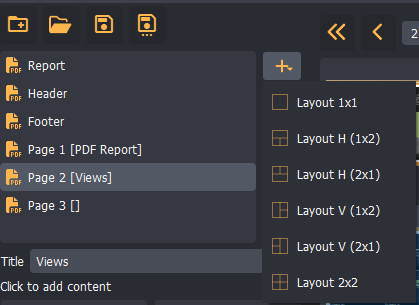
Pages are divided into cells, and each cell can contain an image and text content.
The first page of the report is a special page with a single cell containing the project description text.
Cell content
Each page and each cell can be defined separately.
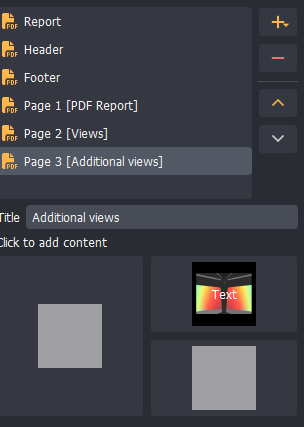
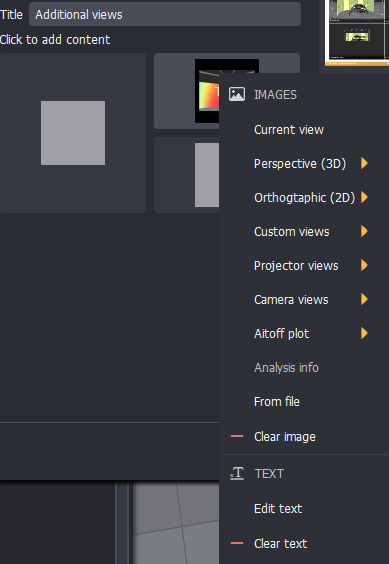
Click a cell to open a popup menu with the available cell content.
Text content
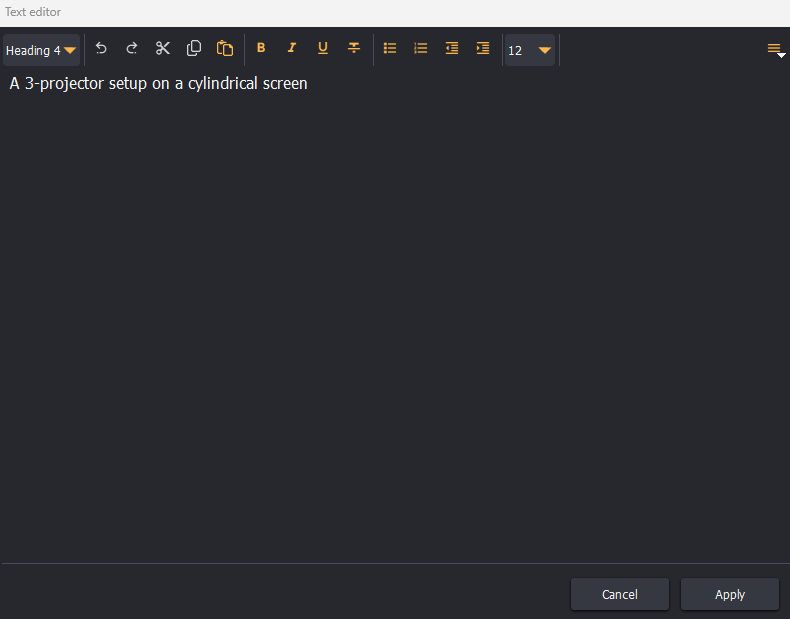
A separate text editor is available for editing the text content of each cell.
Typical PDF report workflow
- Finish the projection design and calculate the desired analysis.
- Open the PDF report tool.
- Define the PDF report style and branding.
- Edit the content of the first page.
- Add additional pages and specify the page title.
- For each cell, add an image and text content.
- Rearrange the pages if needed.
- Export the PDF file.