Home | Designer | Objects
Objects
Objects are 3D models that can be loaded into the scene.
Objects in scene
Objects cast shadows on the projection screen, and the user can evaluate the object positions and the occluded parts of the projected image.
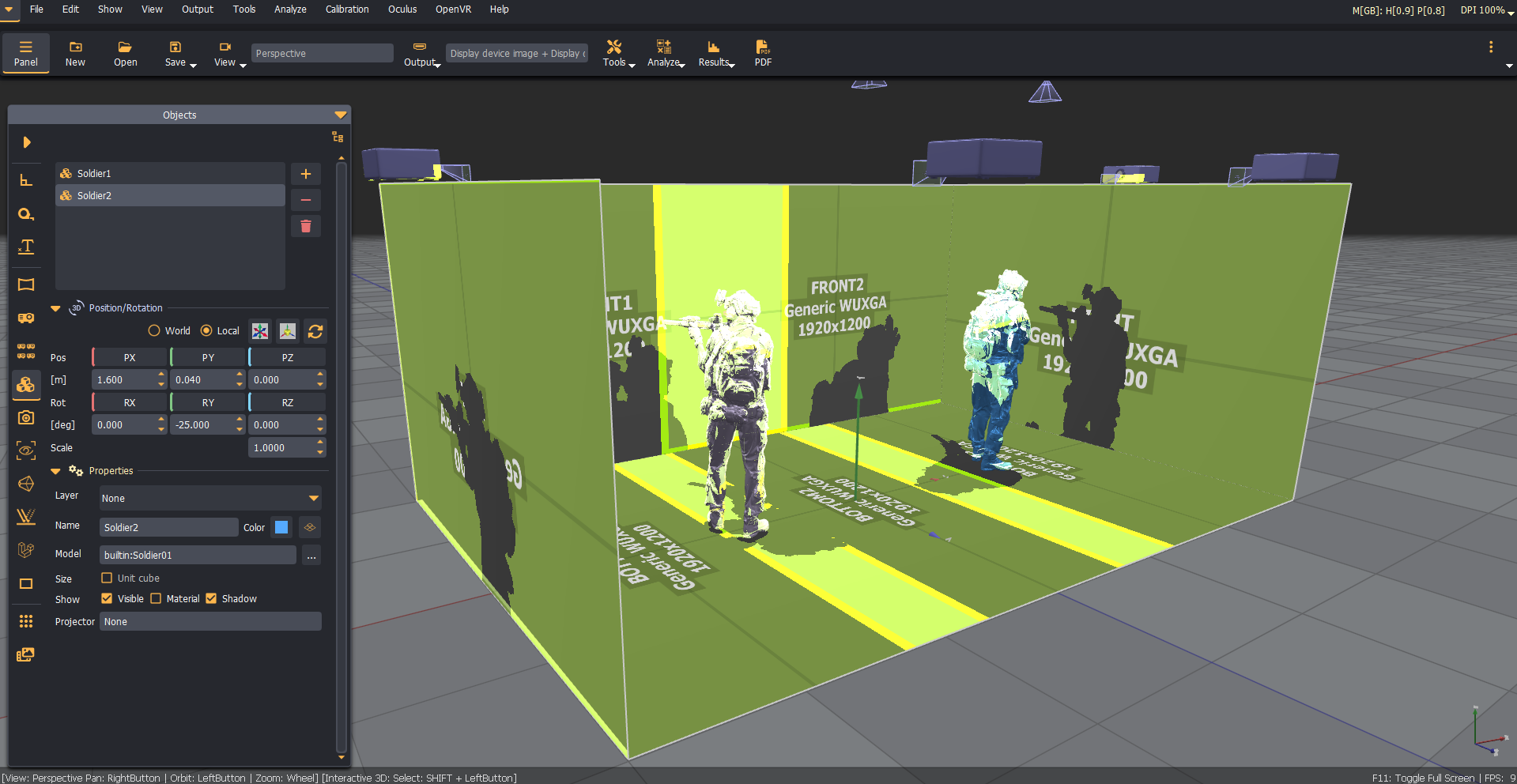
When an object model is loaded, the user can choose to let the program scale and move the object within a unit cube. This feature is useful when imported models were created with coordinate systems different from the coordinate system of Immersive Designer PRO. After the object model is scaled and moved into a unit cube, the user can still use the scale and move controls to position and scale the object if needed.
Use the Tools/Model shaping utility to correct the model's scale, orientation, and alignment before loading the model into the scene.
Configuration
The objects control panel is the main configuration panel for adding, removing, and configuring object models in the 3D scene.
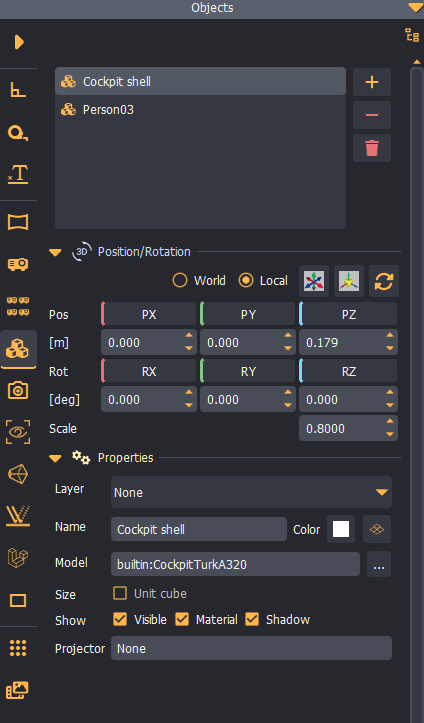
Supported 3D model formats
Immersive Display PRO software supports the following 3D file formats for import:
Collada (.dae)Blender 3D (.blend)3ds Max 3DS (.3ds)3ds Max ASE (.ase)Wavefront Object (.obj)Industry Foundation Classes (IFC/Step) (.ifc)XGL (.xgl, .zgl)Stanford Polygon Library (.ply)AutoCAD DXF (.dxf)LightWave (.lwo)LightWave Scene (.lws)Modo (.lxo)Stereolithography (.stl)DirectX X (.x)AC3D (.ac)Milkshape 3D (.ms3d)TrueSpace (.cob, .scn)Ogre XML (.xml)Irrlicht Mesh (.irrmesh)Irrlicht Scene (.irr)Quake I (.mdl)Quake II (.md2)Quake III Mesh (.md3)Quake III Map/BSP (.pk3)Return to Castle Wolfenstein (.mdc)Doom 3 (.md5*)Valve Model (.smd, .vta)Starcraft II M3 (.m3)Unreal (.3d)BlitzBasic 3D (.b3d)Quick3D (.q3d, .q3s)Neutral File Format (.nff)Sense8 WorldToolKit (.nff)Object File Format (.off)PovRAY Raw (.raw)Terragen Terrain (.ter)3D GameStudio (3DGS) (.mdl)3D GameStudio (3DGS) Terrain (.hmp)Izware Nendo (.ndo)