Home | Designer | Cameras
Cameras
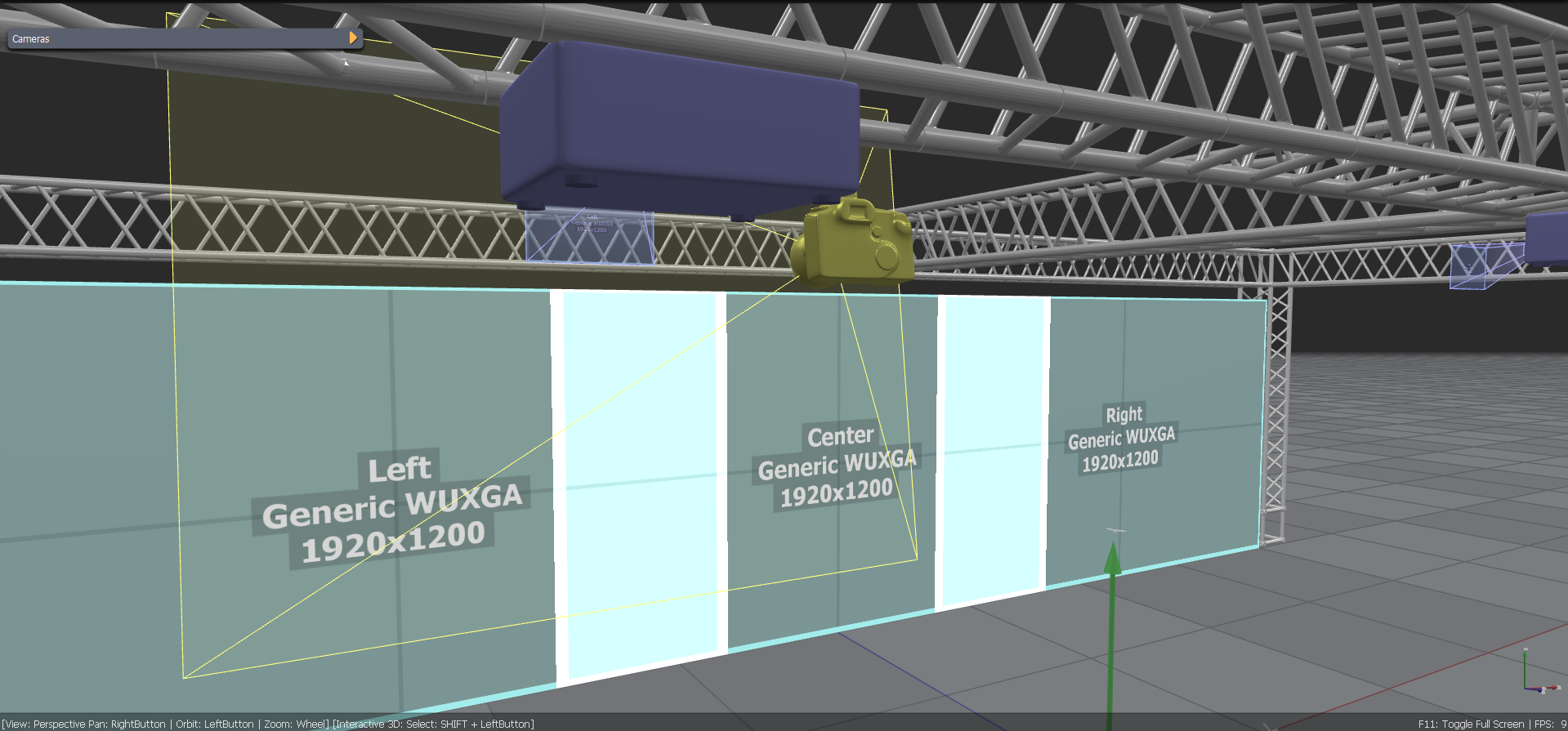
Cameras are utility scene elements for planning a projector setup: checking camera screens and observation positions, and previewing the scene from a camera's point of view.
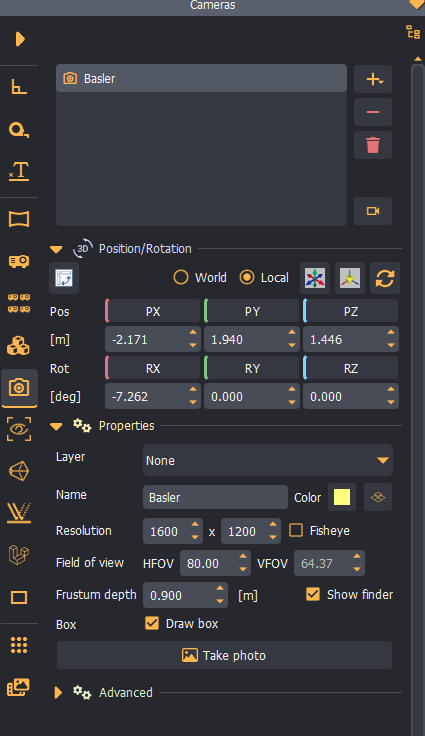
Configuration
The camera control panel is the main configuration panel for adding, removing, and configuring perspective and fisheye cameras in the 3D scene.
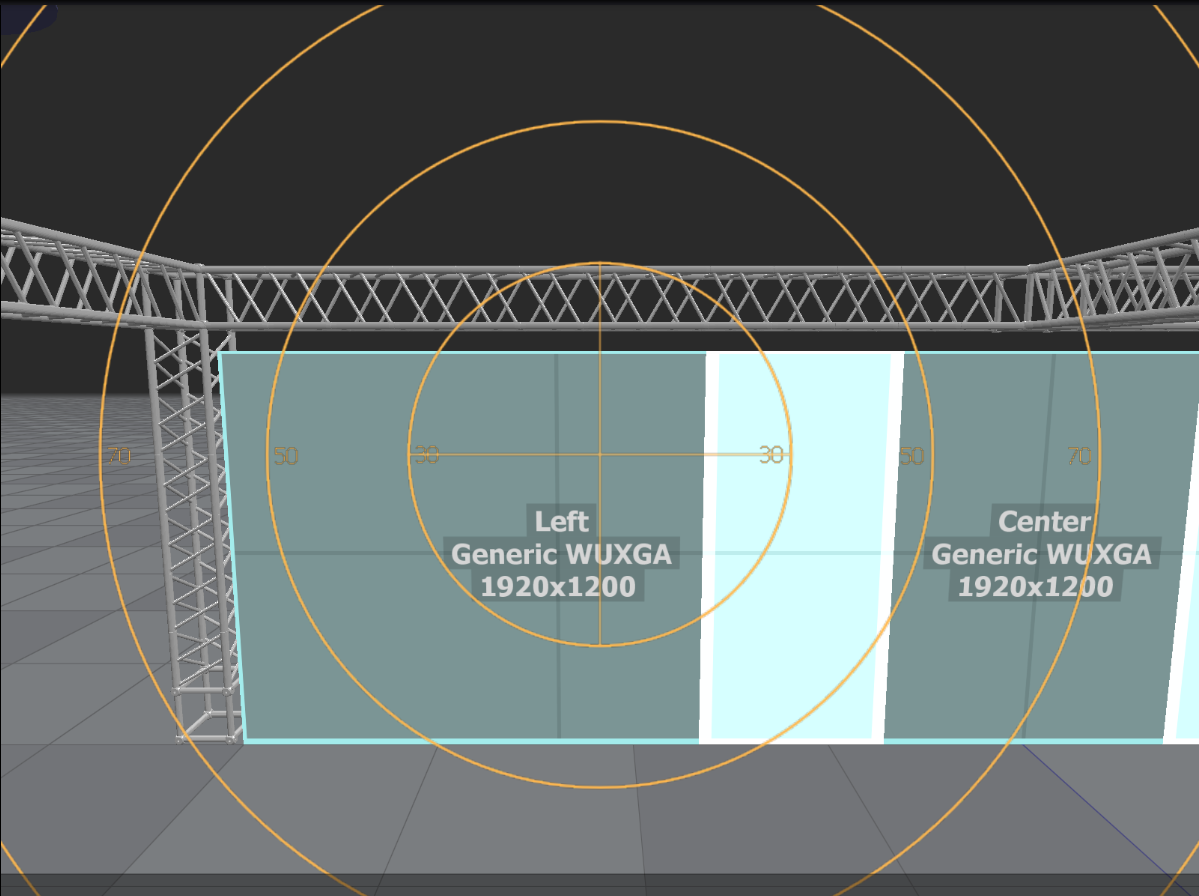
Preview
Select the camera and press the Show camera view button. The preview shows the camera's point of view with an optional angle overlay.
Use the 3D manipulation controls to move and orient the camera at the desired position in 3D space.
Typical camera workflow
- Create your projection setup.
- Create and configure one or more cameras.
- Check for camera shadows and occlusions.
- Verify the camera views for auto-alignment and image coverage.
- Proceed with auto-alignment.