Home | Designer | Analyze
Immersive Designer PRO Analyze module
The Analyze module provides comprehensive tools for analyzing and validating various aspects of the projection setup. You can access this module via the Analyze option in the top menu.
Depending on the operational mode (multi-projector or LED mode), different analysis options are available.
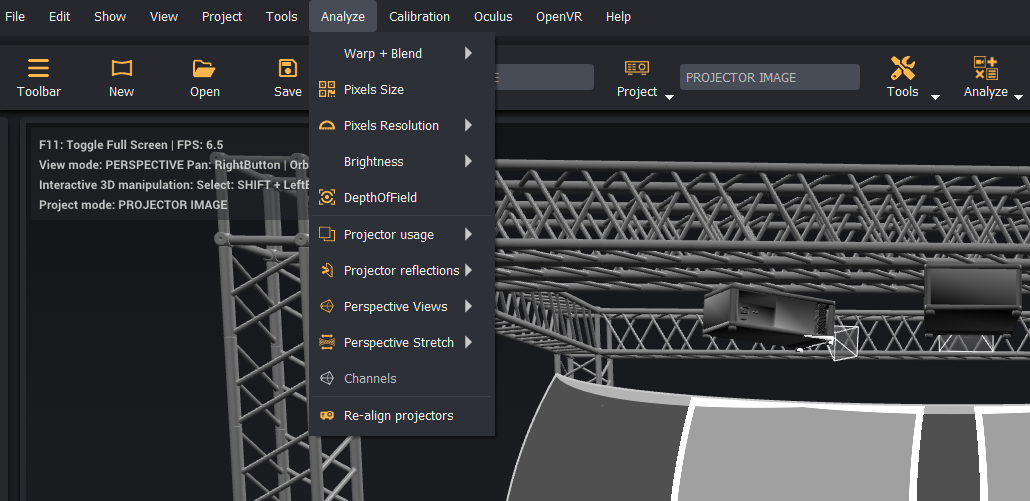
All analysis algorithms perform sub-pixel-accurate calculations on the projector or LED content space in order to generate and display the analysis results.
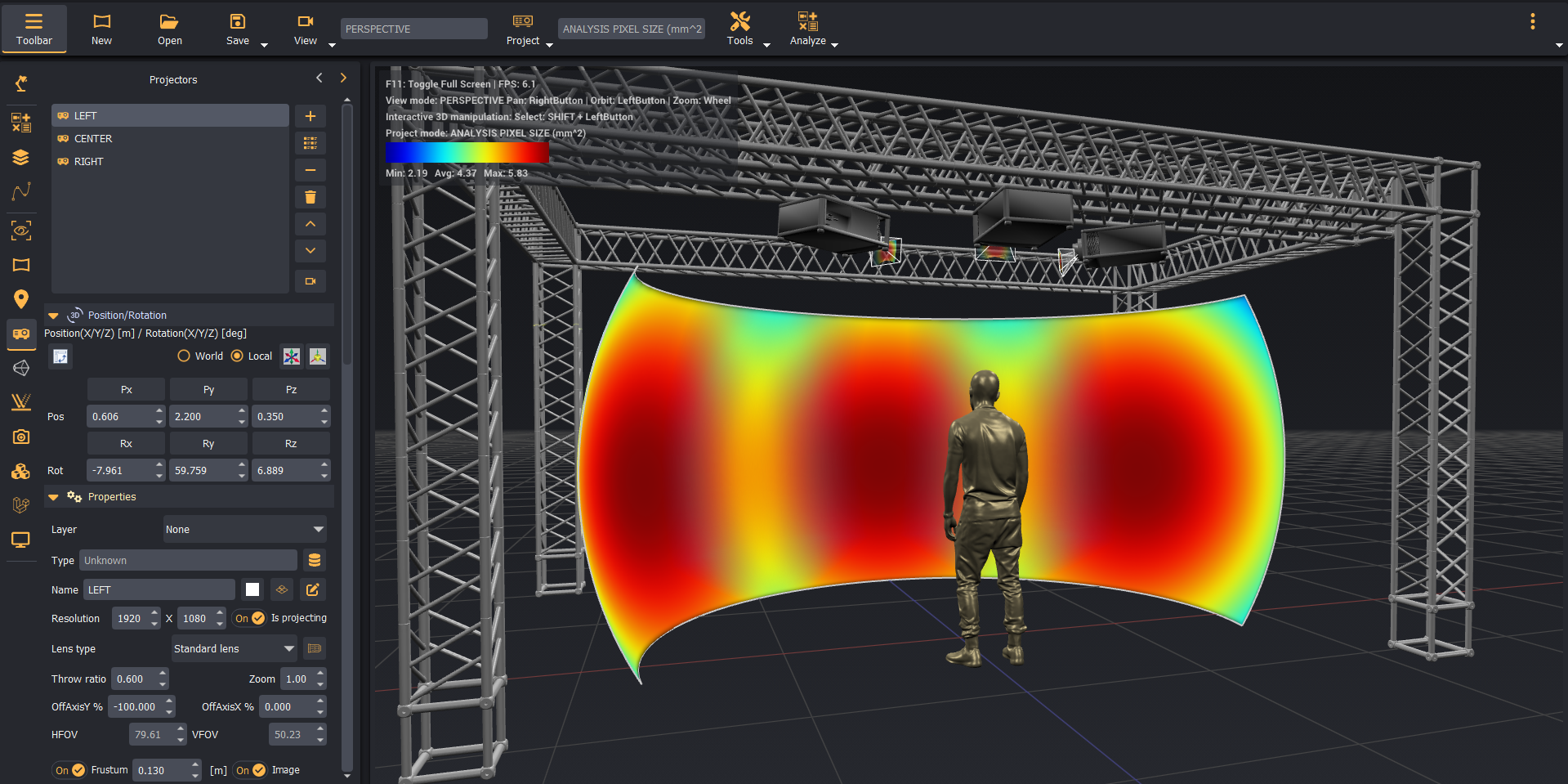
After completing an analysis, you can choose to view the results for the whole scene or per projector or LED panel.
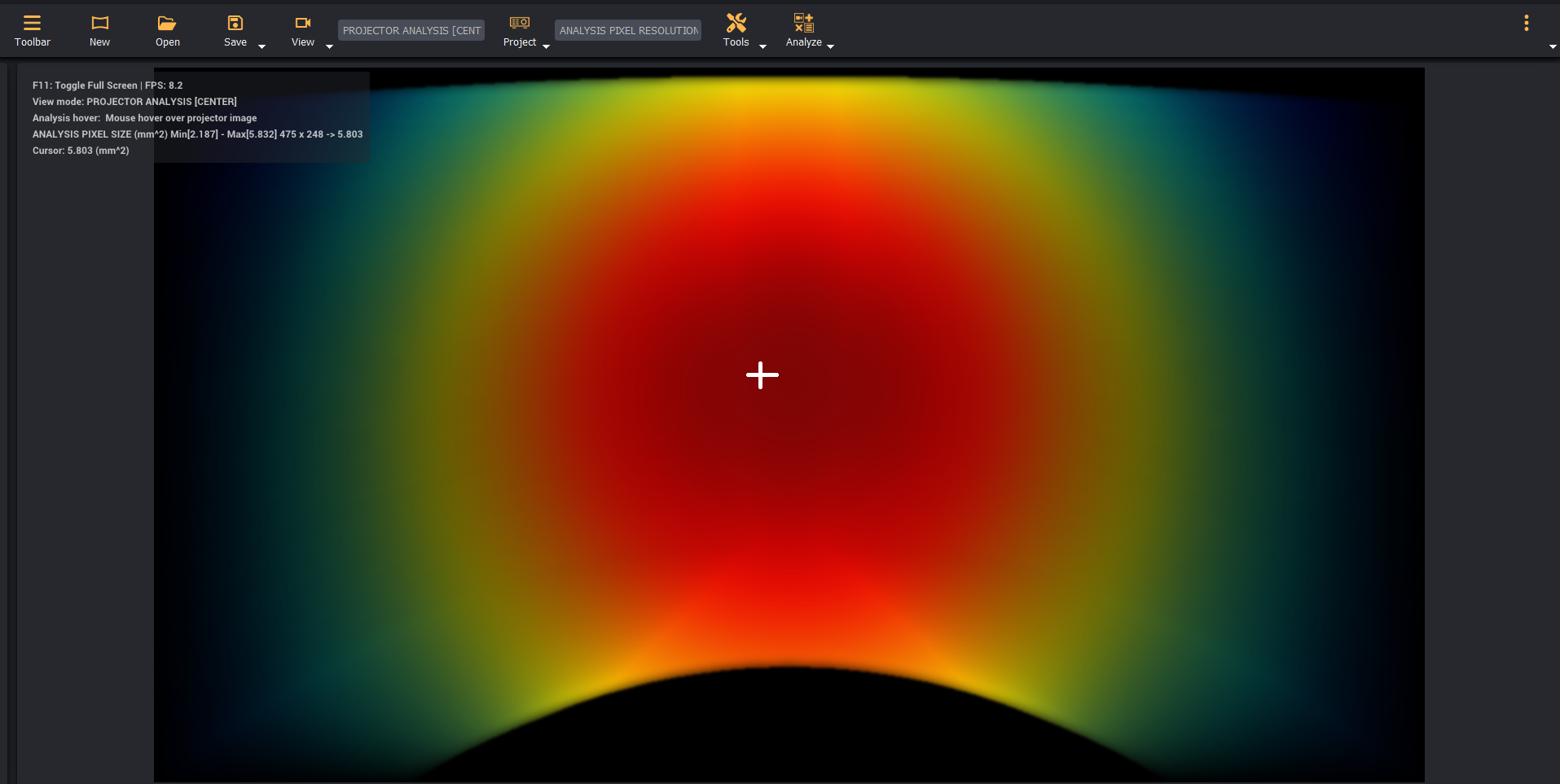
By hovering the mouse over the desired projector or LED panel image, you can see the analysis histogram and additional details about the analyzed values.
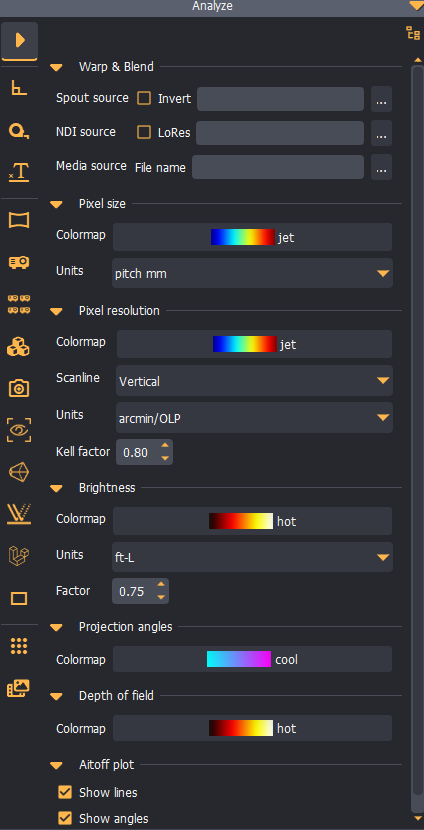
Each analysis module can be configured in the Analysis configuration panel.
License options
Some analysis modules are only available with the Advanced or the Ultimate License.